DeepSeek Harness: Architecture, Tool Execution, and Setup Guide
A practical overview of DeepSeek Harness, its plugin-based architecture, developer-preview status, official quickstart commands, and precautions for running an agent.
Published: Last checked:
 Lucky YaduvanshiRankLLMs Editorial
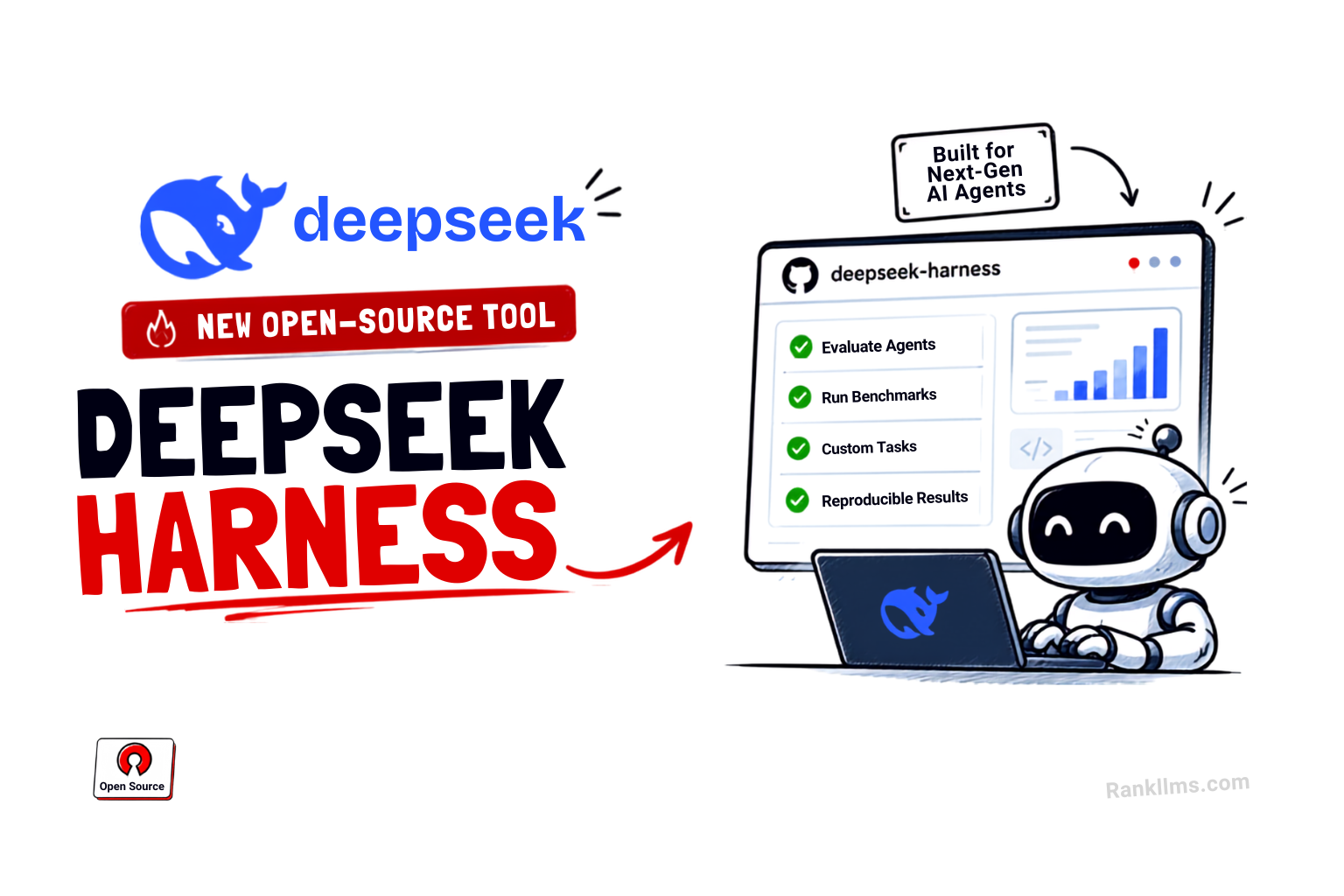
A practical overview of DeepSeek Harness, its plugin-based architecture, developer-preview status, official quickstart commands, and precautions for running an agent.
Written and checked by the RankLLMs editorial team. See theeditorial policy.
DeepSeek Harness (dsh) is an open-source agent harness from DeepSeek AI. Its public repository describes an “everything is a plugin” architecture built on Cordis. It is explicitly a developer preview, so interfaces and compatibility may change. The project is MIT licensed; review its safety notice before running it because an agent can execute tools in a workspace.
What the project provides
The repository positions dsh as a runtime for composing an agent from model, tool, and other plugins. It includes a Web UI and developer documentation. The public README documents two ways to start:
- Run the published package with Node.js:
npx @deepseek-ai/dsh web. By default, the Web UI is served athttp://127.0.0.1:3080. - Build from a checkout with the repository’s documented commands:
git clone https://github.com/deepseek-ai/deepseek-harness.gitcd deepseek-harnesspnpm installpnpm run buildpnpm dsh webUse the official repository and its linked documentation for current prerequisites, configuration, and safety guidance. The project is changing rapidly, so check the command interface for the release you install.
What “plugin architecture” means here
Cordis is the foundation named in the project README. The repository describes an extensible plugin structure; that does not by itself guarantee that every component can be replaced without constraints or that plugins are safe to run. Check the version-specific documentation for supported extension points and compatibility.
The harness is separate from the model weights. Which model providers and tools are available depends on the installed plugins and configuration. Do not assume a particular third-party provider is supported until it appears in the current documentation or installed plugin list.
Traceability and replay
Agent logs and replay behavior are implementation details that can change. Consult the current documentation before relying on logs for audit, reproducibility, or sensitive-data handling. A replay feature can record or reproduce runtime events without making the model’s future outputs deterministic.
A recorded tool trajectory can help inspect what an agent did, but it does not make future model outputs deterministic. Nor does the presence of a sandbox prove isolation: verify the configured execution boundary, filesystem access, network policy, credentials, and approval settings before using an agent on valuable or sensitive projects.
A cautious first run
Start with a disposable repository and read the project’s safety notice. Keep secrets out of the test workspace, inspect requested permissions, and review every generated patch and command. Follow the README’s quickstart above, then use the official guide for model and tool configuration. Do not assume that installing dsh also installs or secures a model provider or sandbox.
DeepSeek Harness is worth evaluating for teams interested in an extensible agent runtime. Its developer-preview status and changing interfaces make a small, isolated pilot more appropriate than assuming production readiness. See the official GitHub repository for its license, current quickstart, and documentation links, and compare model data in our AI Model Leaderboard.
Frequently Asked Questions
What is DeepSeek Harness?
DeepSeek Harness (dsh) is an open-source agent harness from DeepSeek AI. Its repository describes an everything-is-a-plugin architecture built on Cordis and labels the project a developer preview.
Is DeepSeek Harness restricted to DeepSeek models?
The harness has a plugin architecture, but supported providers depend on installed plugins and configuration. Check the current documentation for specific integrations.
How do you run DeepSeek Harness locally?
The repository documents running 'npx @deepseek-ai/dsh web' with Node.js; its Web UI uses http://127.0.0.1:3080 by default. Review the safety notice before running it.
What is the Cordis framework in DeepSeek Harness?
Cordis is the foundation named by the DeepSeek Harness repository. Consult its linked project documentation for current architecture and supported extension points.
Source links for data and claims discussed in this article are listed below. Refer to each source for its current figures and methodology.
Lucky Yaduvanshi(luckyyaduvanshi.in →)
Founder of RankLLMs • AI Researcher & Software Engineer focusing on LLM benchmarking, DevOps, and autonomous coding agents.
Recommended Reading
Related by topic and recency.
ZCode vs DeepSeek Harness: Integrated IDE vs Modular Agent Framework
Compare ZCode’s integrated desktop workflow with DeepSeek Harness’s Cordis plugin runtime, including setup, costs, safety, and a practical pilot.
DeepSeek V4 Pro 0813 vs GLM-5.3: Context and API Pricing
Compare DeepSeek V4 Pro 0813 and GLM-5.3 context limits, current native API pricing, and a reproducible way to evaluate coding tasks.
GLM-5.3 in ZCode: Agentic Coding Integration and Evaluation
Z.ai describes GLM-5.3 as a post-training update to GLM-5.2 and says it rolled out to GLM Coding Plan users. Learn how to evaluate the model separately from the ZCode agent.